

Roles and permissions
This page lists every role in a club and on an event, and what each one adds over the role below it. Each role includes everything the roles below it allow. Set up your club, Join your club and Control who sees your event use these values.
Club roles
Section titled “Club roles”A club role applies to every event the club runs. Managers and the Owner set it on the club’s Members page.
| Role | Adds over the role below |
|---|---|
| Owner | Changing the club’s Name and Country (a ČSOS club takes both from the registry), Delete organization, and Transfer ownership…. |
| Manager | Approving join requests, removing members, setting members’ roles, club invite links. On every club event: the Access card, Billing and deleting the event. |
| Editor | Creating events in the club. On every club event: the event’s settings, uploads, online controls and What the public can see. |
| View Results + Aftershow | The Aftershow of the club’s private events. |
| View Results | Results and start lists of the club’s private events. |
| Member (no role) | The member list, with every member’s registration numbers. |
A club has exactly one Owner. Transfer ownership… hands the club to another member and makes the previous Owner a Manager.
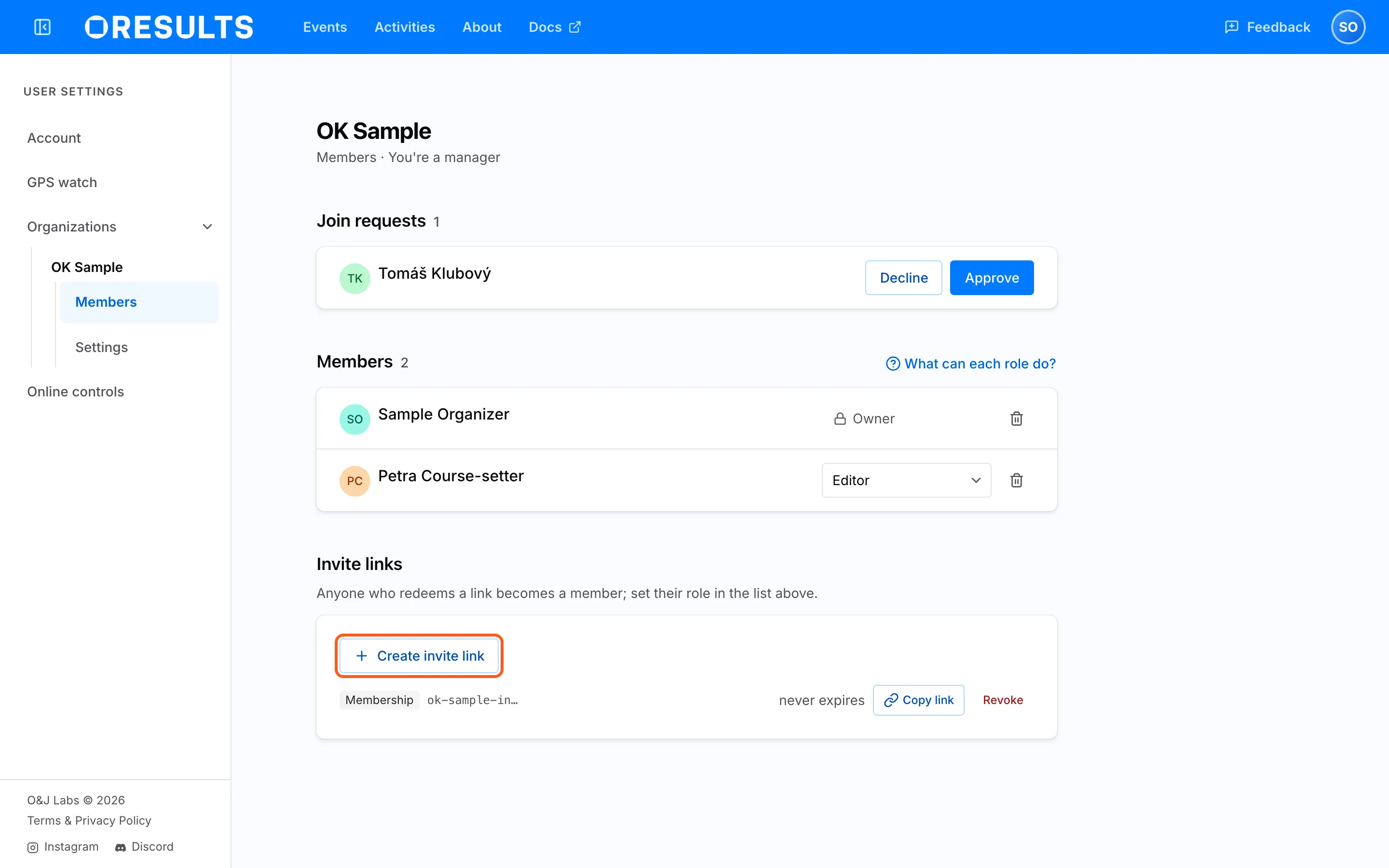
Someone whose request to join is still waiting is not a member yet: they hold no role and do not see the member list. Only Managers and the Owner see members’ roles and email addresses. A club invite link makes the person a Member, closing any request they had waiting, and carries no role. Removing a member removes their club role.
Event roles
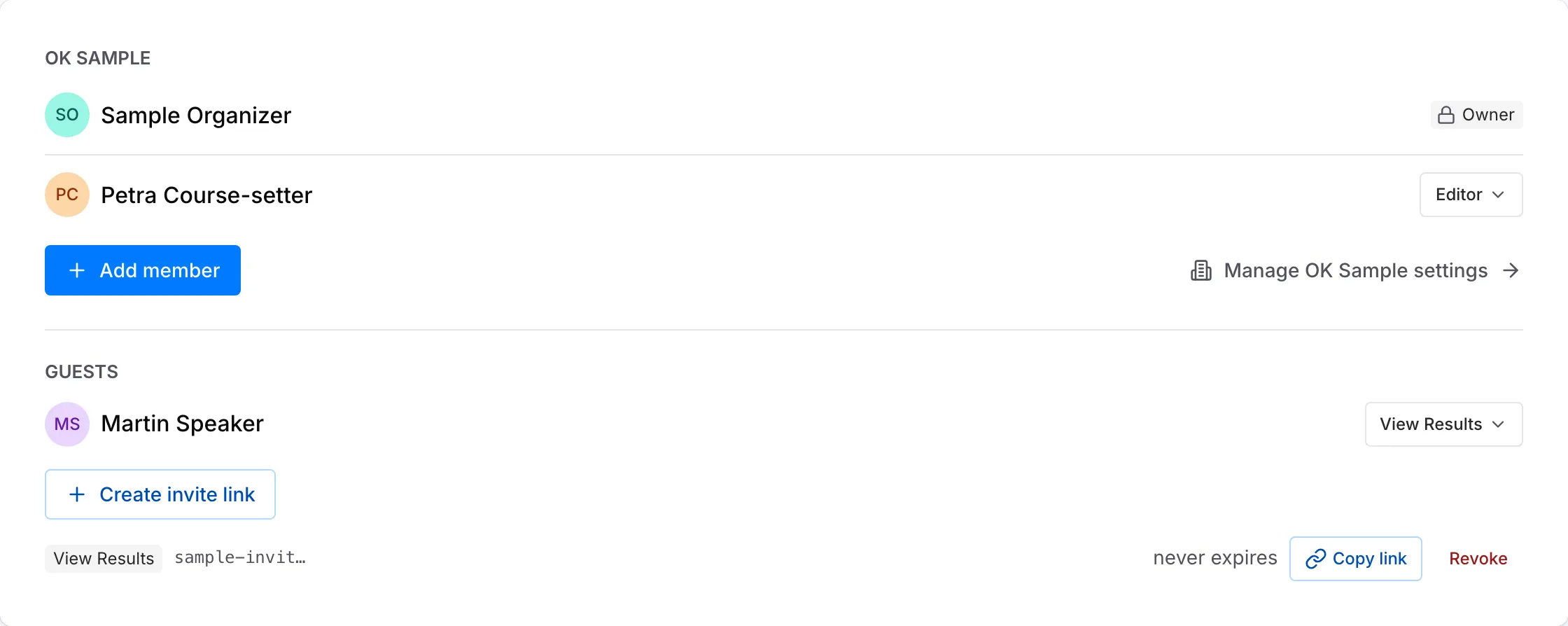
Section titled “Event roles”An event role applies to one event. The event’s Owner and Managers see and change it on the event’s Access card.
| Role | Adds over the role below |
|---|---|
| Owner | Connect to an organization, on an event that belongs to no club. You also need the Editor role or higher in that club. |
| Manager | Seeing and changing who has access on the Access card (Add member, guests, invite links), Billing, and deleting the event. |
| Editor | Event settings, File upload, Online controls, and What the public can see. |
| View Results + Aftershow | The Aftershow while it is private. |
| View Results | Results and start lists while they are private. |
The event’s Owner is the person who created it. An event has exactly one Owner of its own, and nobody can be given the role or take it over. Manager is a club role. Every club role, including the club’s Owner and Managers, shows on the Access card of every club event, and nobody can give Owner or Manager on the event itself. Add member gives one club member Editor, View Results + Aftershow or View Results on this event only. Remove access takes away only a role given on this event; a club role still applies until it is changed on the club’s Members page.
Guests
Section titled “Guests”A guest is someone other than the event’s Owner who has a role on the event and is not a member of its club. On an event with no club, everyone who joins through an invite link is a guest. Guests are listed under Guests on the Access card.
| Value | What it means |
|---|---|
| Roles a guest can hold | Editor, View Results + Aftershow or View Results. |
| How a guest gets in | Opening an invite link made with Create invite link. The link carries one role. |
| Link expiry | Never expires, In 7 days, In 30 days or In 90 days. |
| Revoke | Stops the link from letting anyone new in. Guests who already joined through it keep their role. |
| Remove access | Takes the role away from one guest. |
Anyone without a role, logged in or not, sees only what the event’s public access allows. See Choose what the public can see on the Control who sees your event page.